Clock in and out
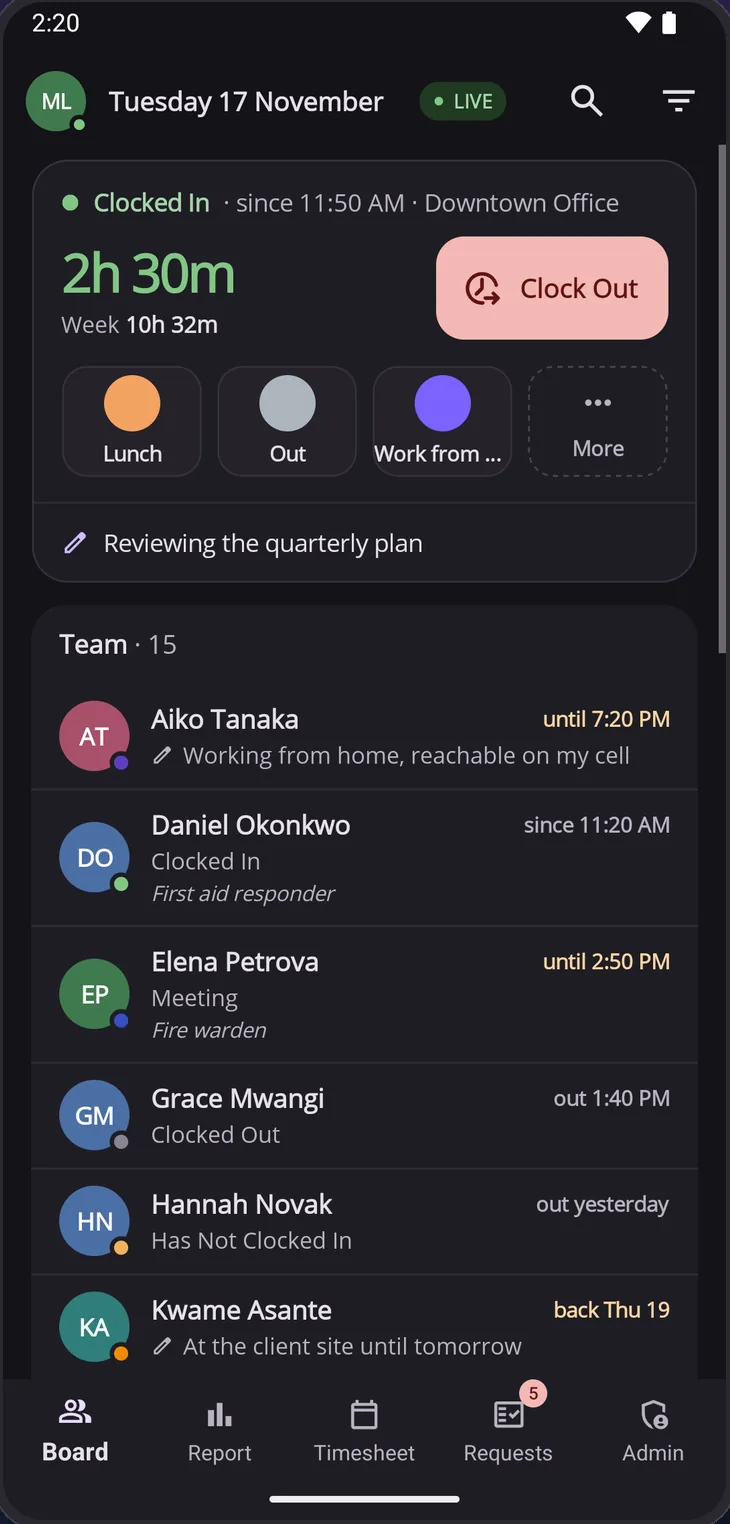
For everyone. Start your day, step away and finish your day from the Board.
- 1 Open InOut. The Board shows your status card at the top.
- 2 Tap Clock In. Your day starts and today's timer runs.
- 3 Stepping away? Tap Lunch, Out or Work from home, or pick another activity under More.
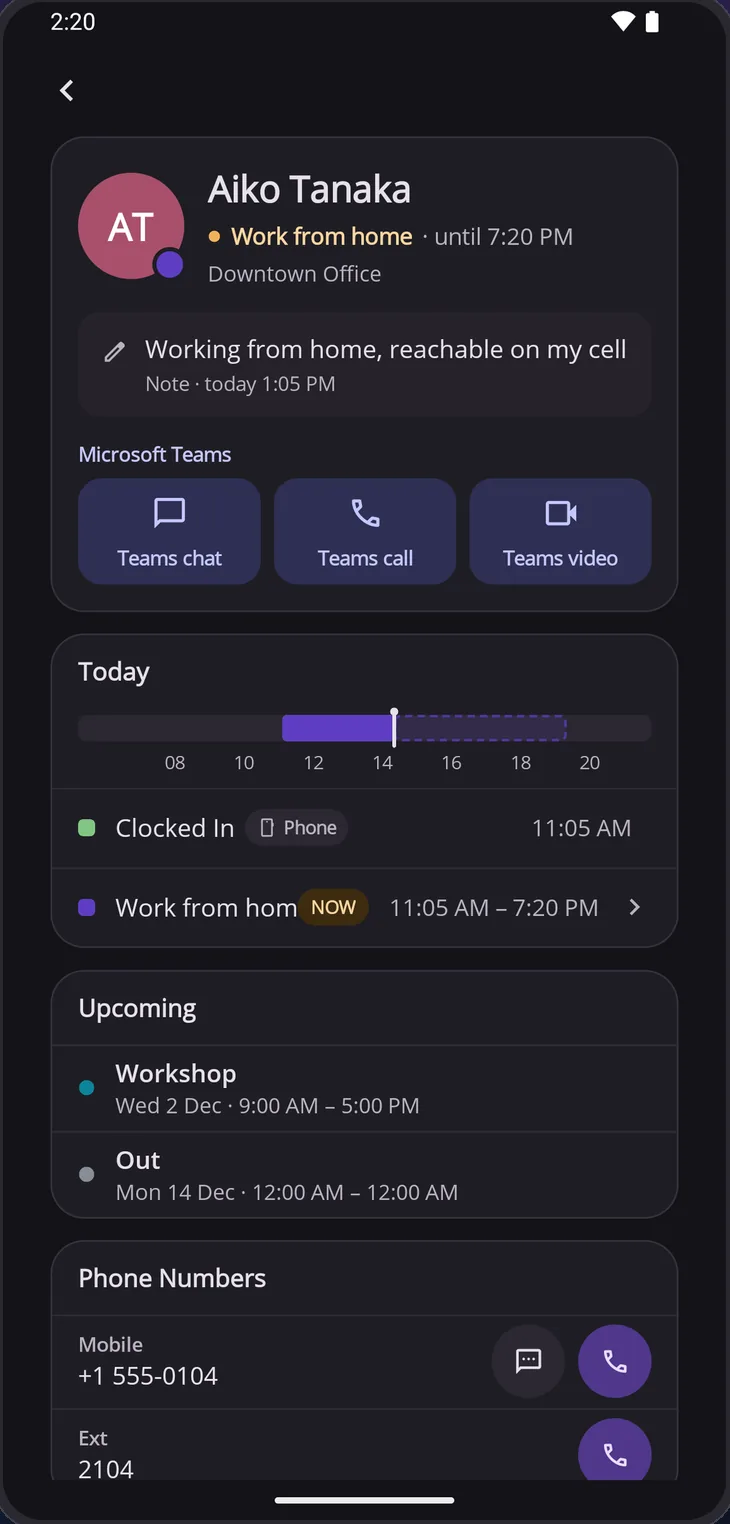
- 4 Add a note so colleagues know where to reach you.
- 5 At the end of the day, tap Clock Out and confirm.